Your files,
synced. No cloud.
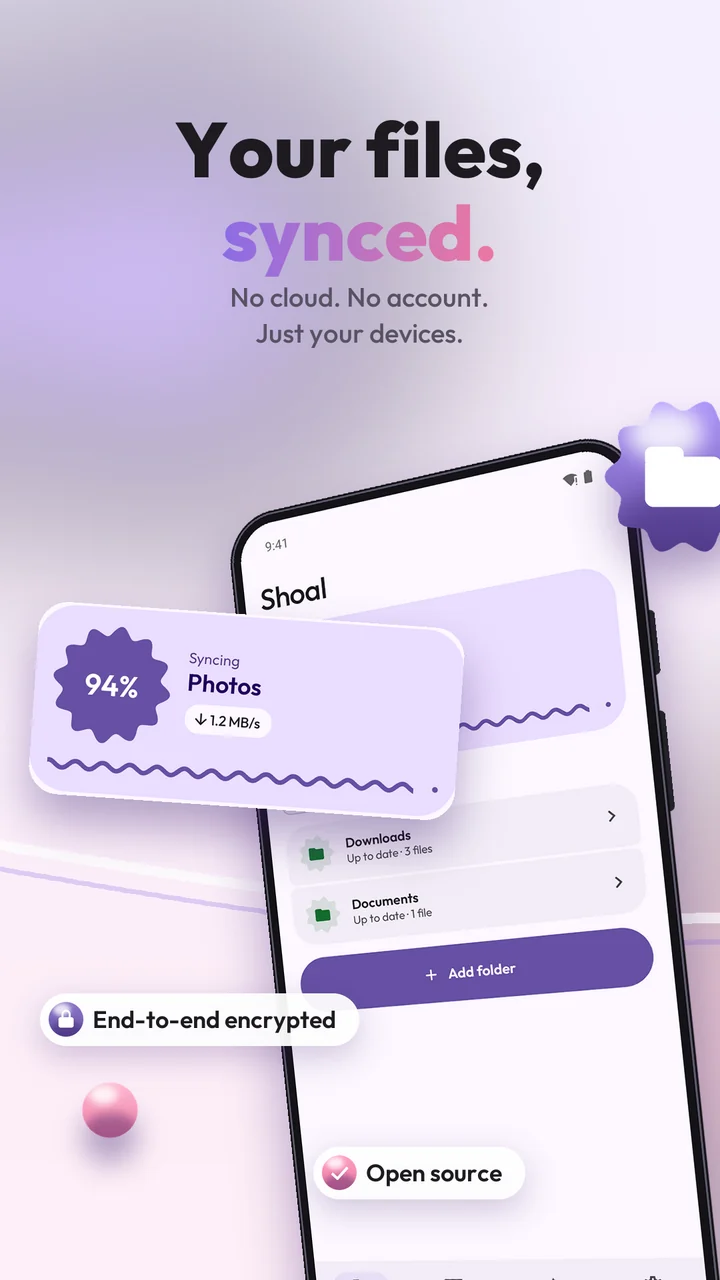
Keep folders in sync between your phone, computer and NAS. Directly, end-to-end encrypted, with no account and no ads.
Free and open source (GPLv3) · Android 8.0+ · F-Droid coming soon
Keep folders in sync between your phone, computer and NAS. Directly, end-to-end encrypted, with no account and no ads.
Free and open source (GPLv3) · Android 8.0+ · F-Droid coming soon
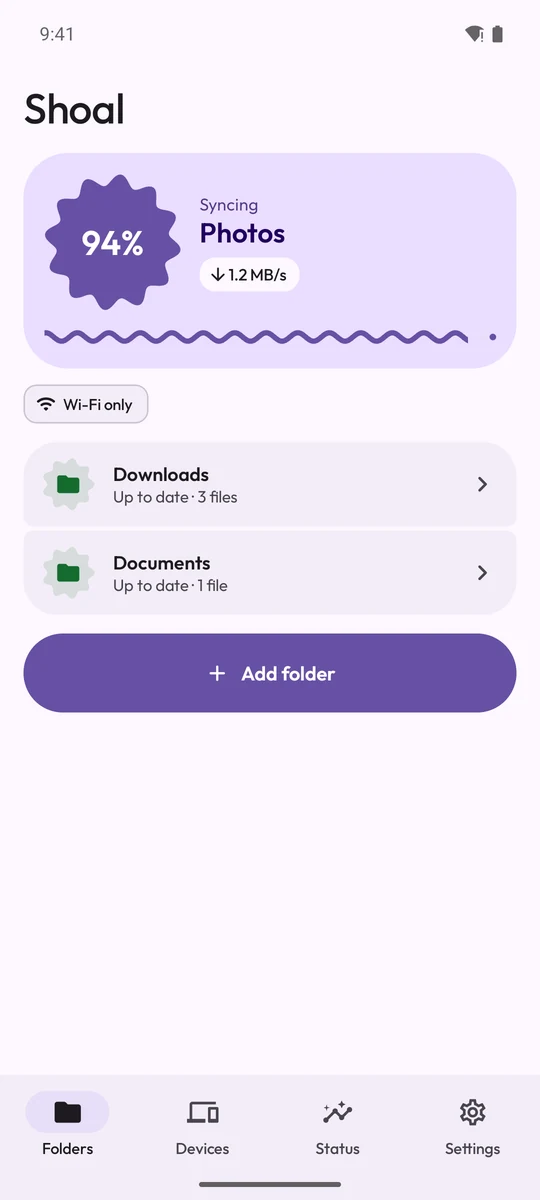
Shoal ships the official, unmodified Syncthing engine and wraps it in a fast, animated interface. It works with Syncthing on Windows, macOS, Linux and NAS boxes.
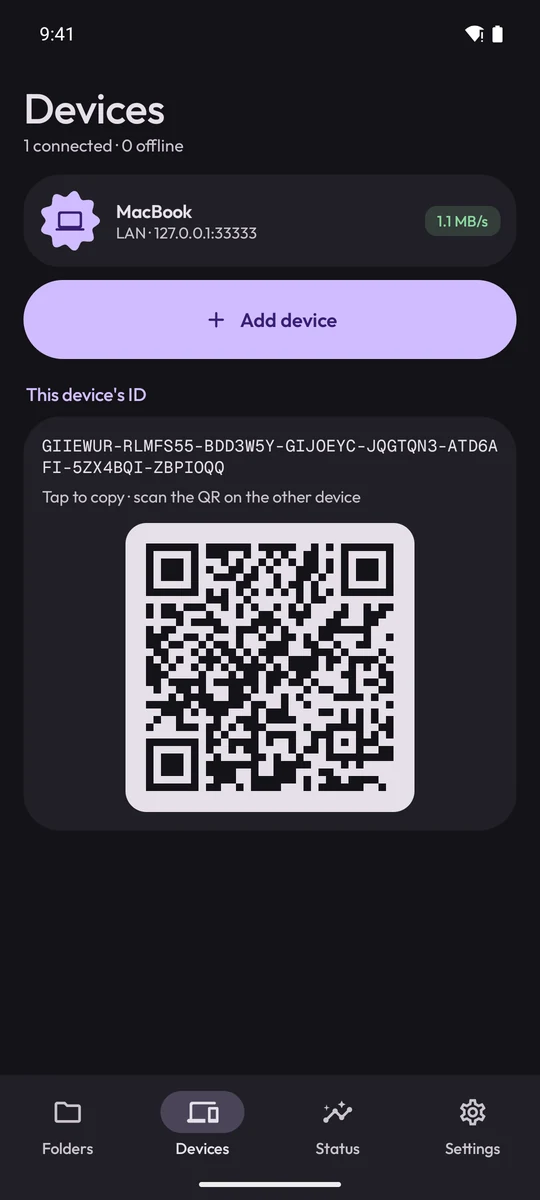
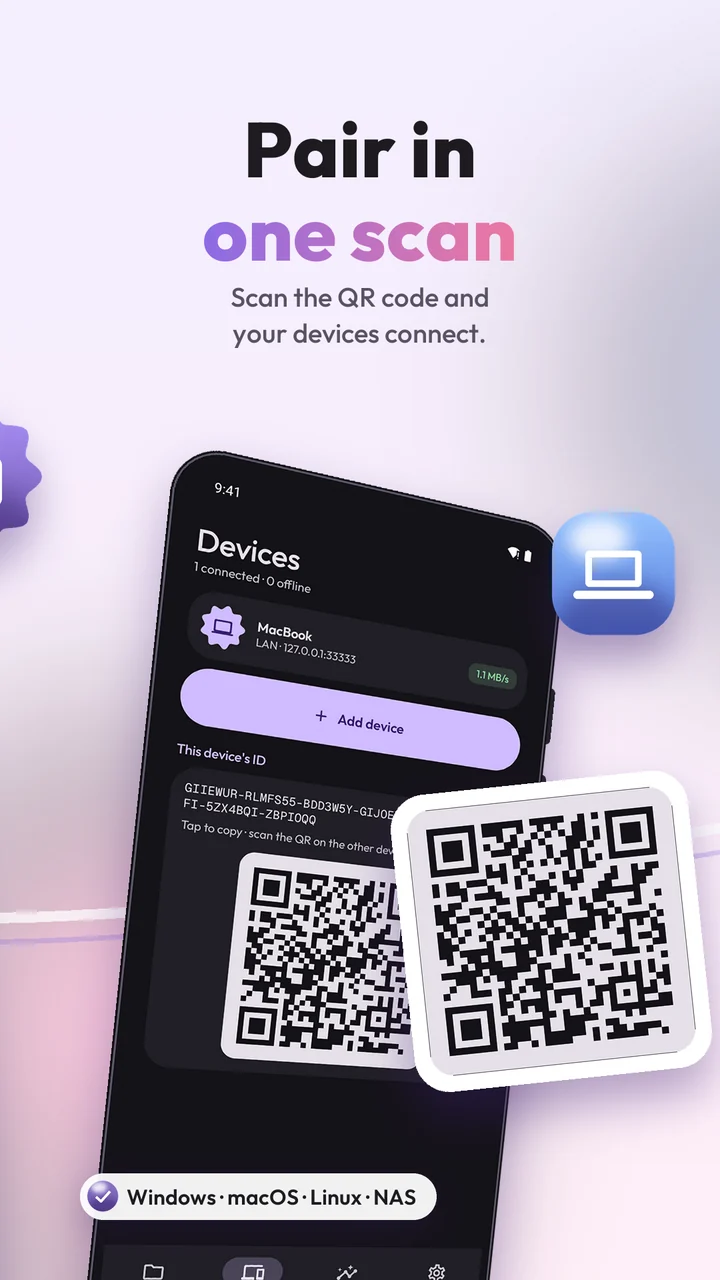
Scan a QR code or paste a device ID. Accept new devices and shared folders right from a notification.
Send & receive, send only or receive only. Versioning, ignore patterns and instant change detection.
End-to-end encrypted, device to device. No account, no analytics, no servers of ours.
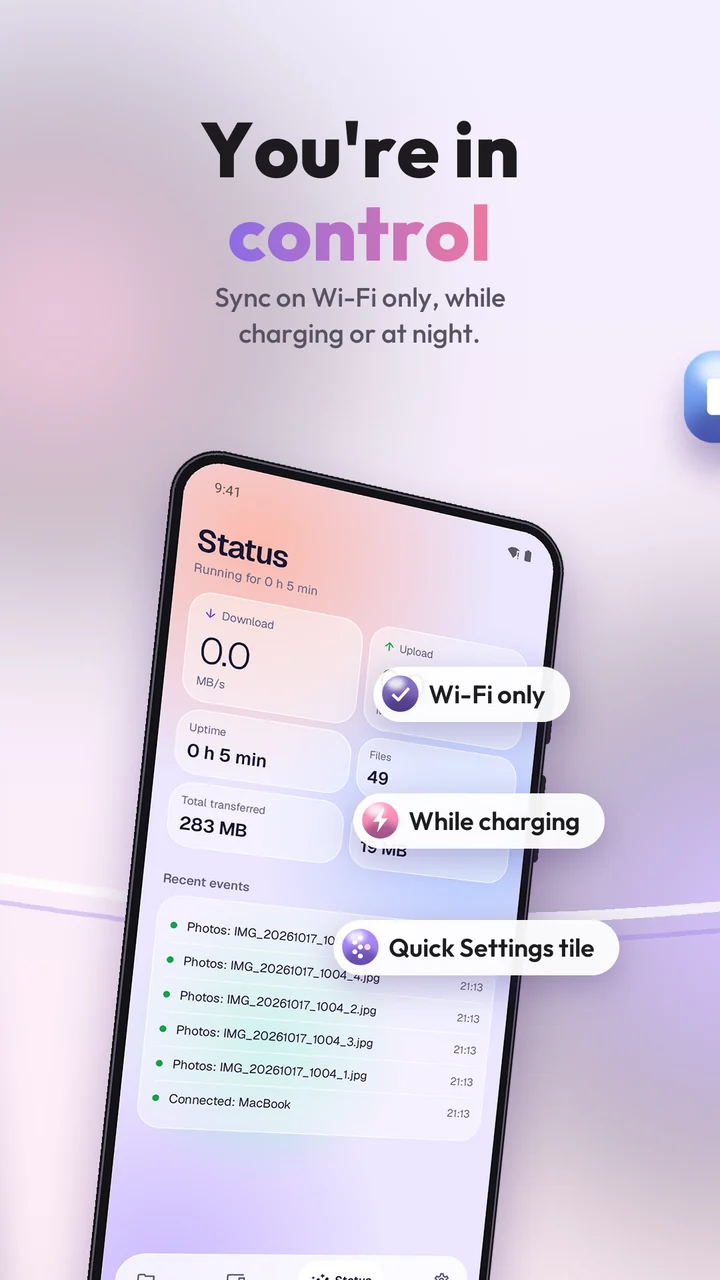
Wi-Fi only or chosen networks, while charging, at night, or paused in battery saver.
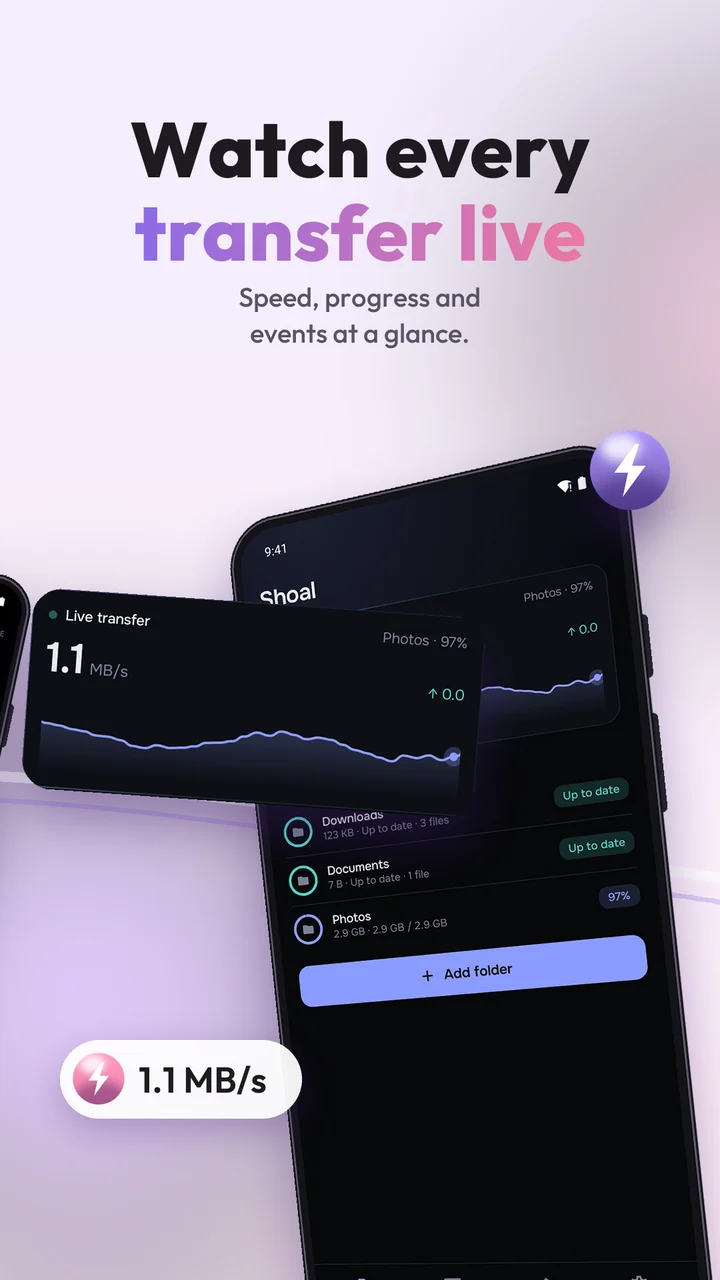
Speed chart, per-folder progress, device latency and recent events. Resolve conflicts in one tap.
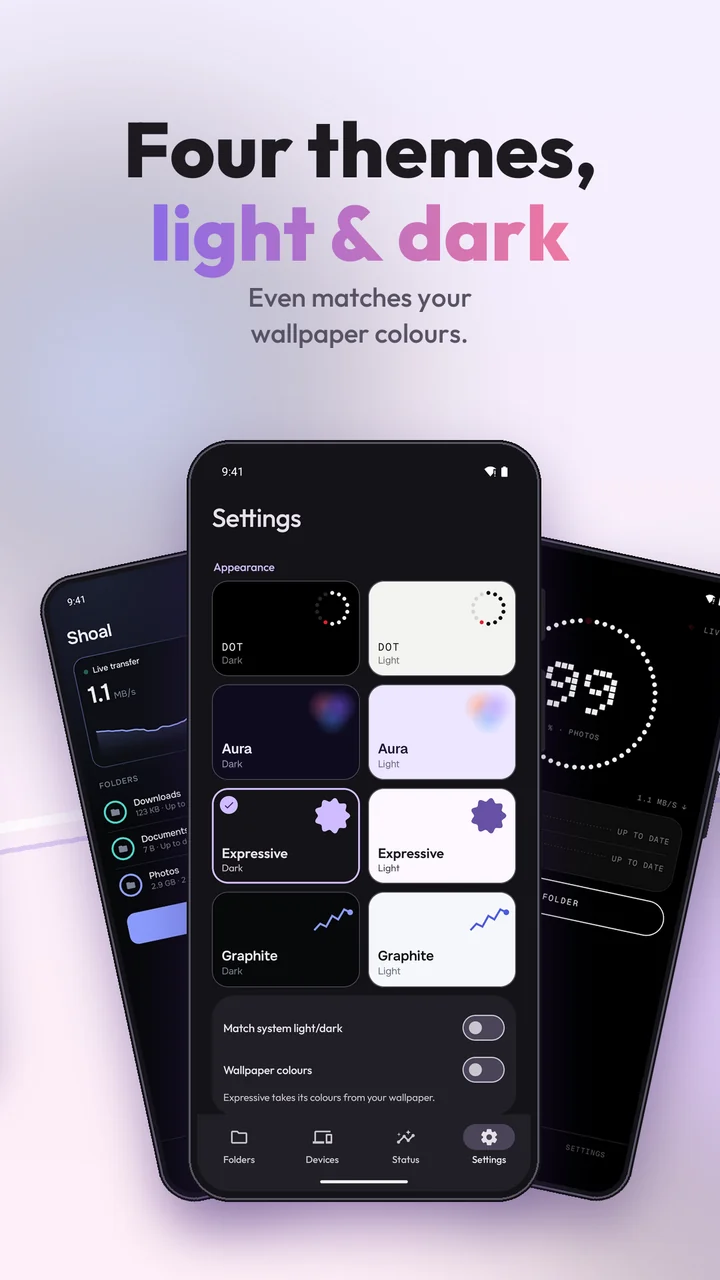
Expressive with wallpaper colours, Graphite, Dot and Aura. Each in light and dark, following your phone.

Shoal pairs with the Syncthing you already use, or with a fresh install on your computer.

Get Syncthing for your computer or NAS from syncthing.net.
Scan your computer's QR code in Shoal, or add the phone's ID in the Syncthing web UI.
Share from either side and accept on the other. Changes now sync both ways, automatically.
Shoal is licensed under the GPLv3 and has no ads or tracking. If it saves you time, rate it on Google Play or leave a tip from Settings → Support Shoal.
No. Shoal is an independent project. It ships the official Syncthing engine unmodified, built from the signed release source, and only replaces the user interface.
Yes. It speaks the standard Syncthing protocol, so any device running Syncthing v1 or v2 can pair with it.
By default Shoal syncs only on Wi-Fi and pauses in battery saver. You can also limit it to charging, to the night or to specific networks, and cap the transfer speed.
Syncthing reads and writes plain folders anywhere on your storage. Android only allows that with this permission. Files stay on your devices.
Only if you use "Allowed Wi-Fi networks": Android reveals the connected network's name only to apps with location access. Shoal never reads your GPS position.
Not yet. iOS does not let apps run a sync engine continuously in the background, which Syncthing needs.